Guide
Up and running in ten minutes.
This is the whole journey, with real screenshots: connect once, set the one number you control, and let Hostomat price every night from there. Nothing in this guide requires a credit card, and nothing changes on your calendar until you explicitly turn pricing on.
Connect your listings
Two ways in: link your Airbnb with one secure tap, or connect the property platform you already manage on and every listing follows. We only ever write prices, never availability, and you can disconnect any time from Settings.
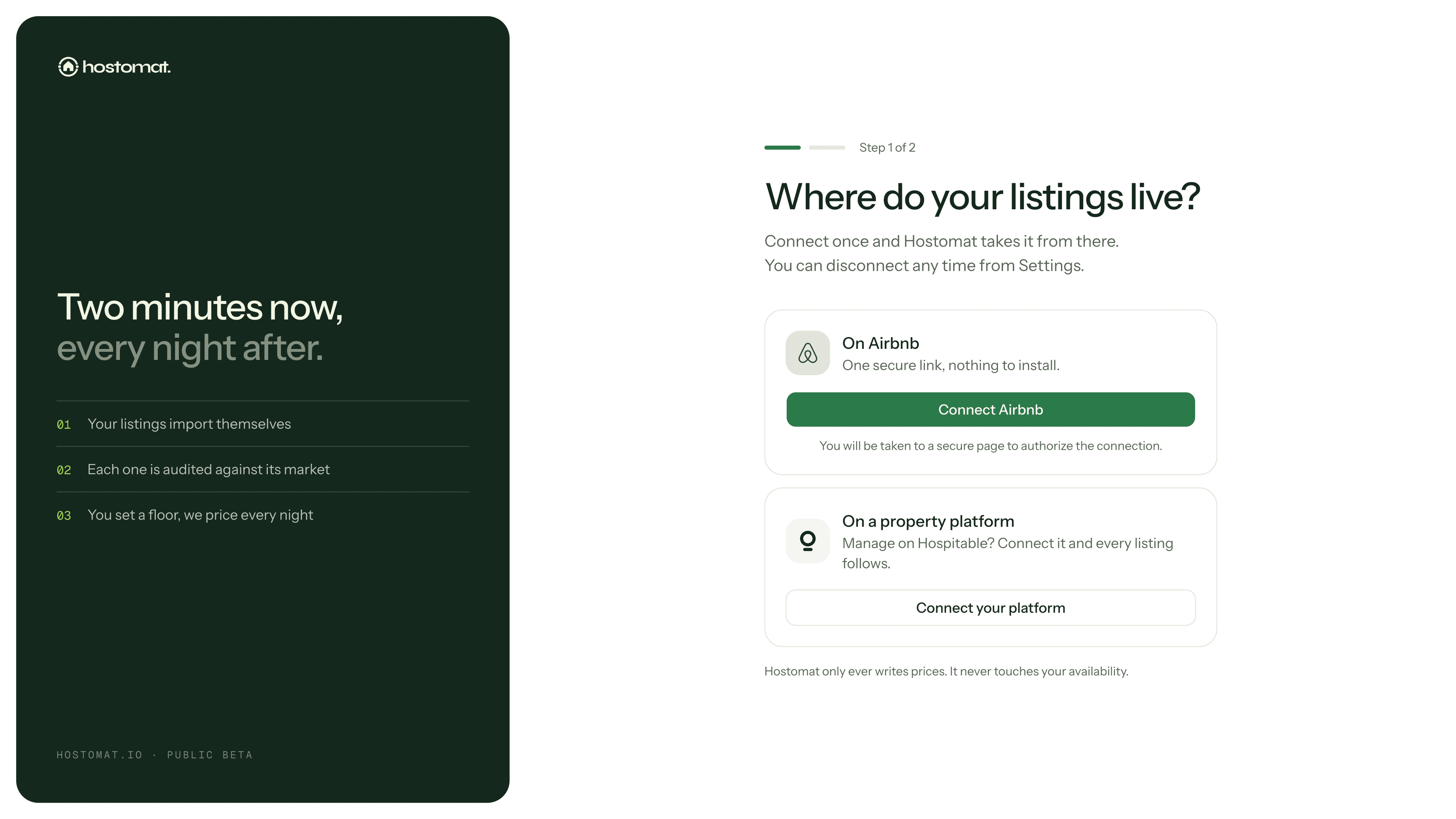
Your listings import themselves
Names, photos, calendars, bookings and guest reviews arrive on their own, usually within a minute. You do not type anything in.
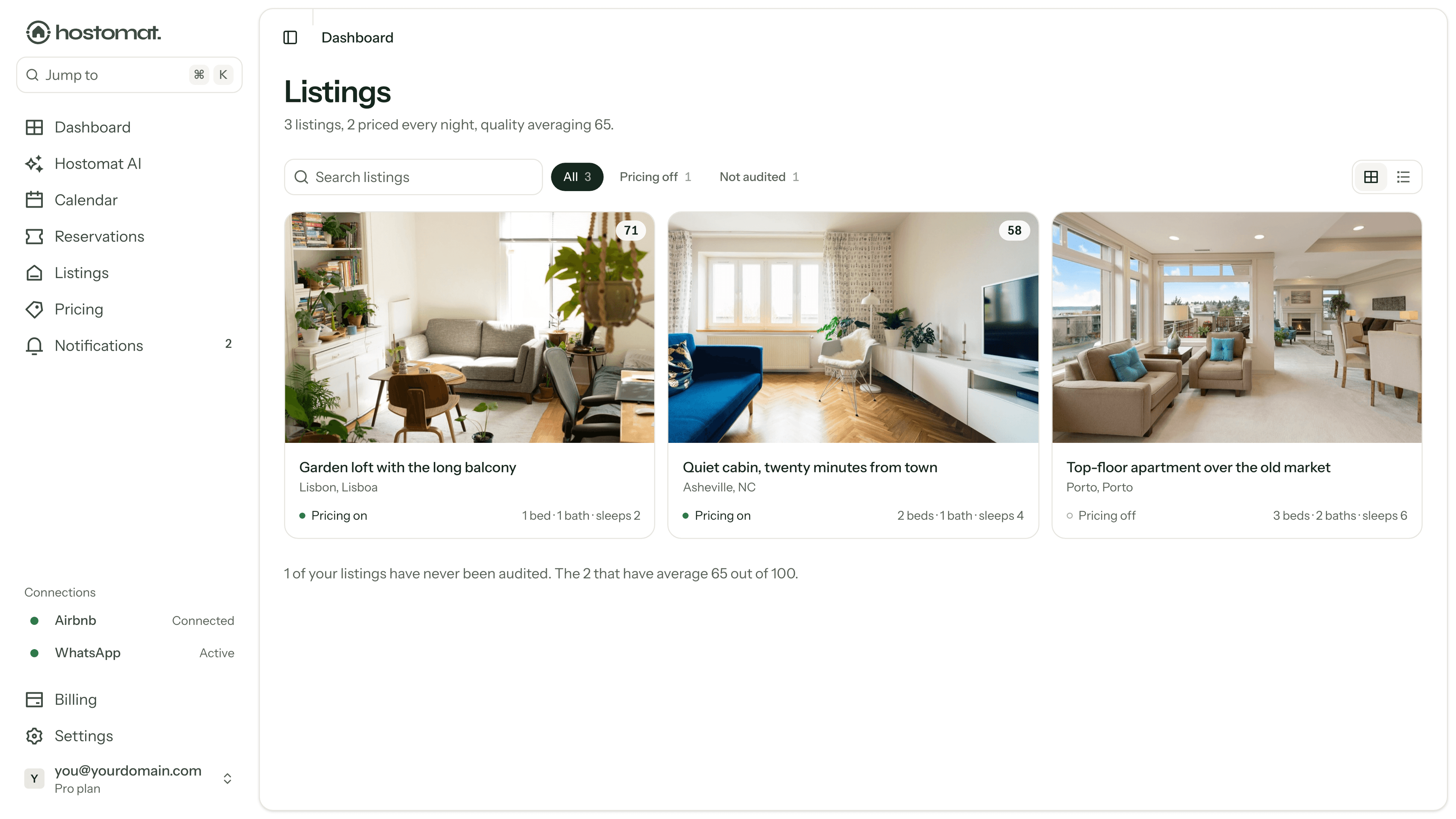
Every listing gets read like a guest reads it
Each listing is scored out of 100 against the places near you that earn the most, broken into photos, copy, amenities and reviews. The report says what the score is made of, what it is costing you against the market, and writes stronger versions of the weak parts for you to paste straight into Airbnb.
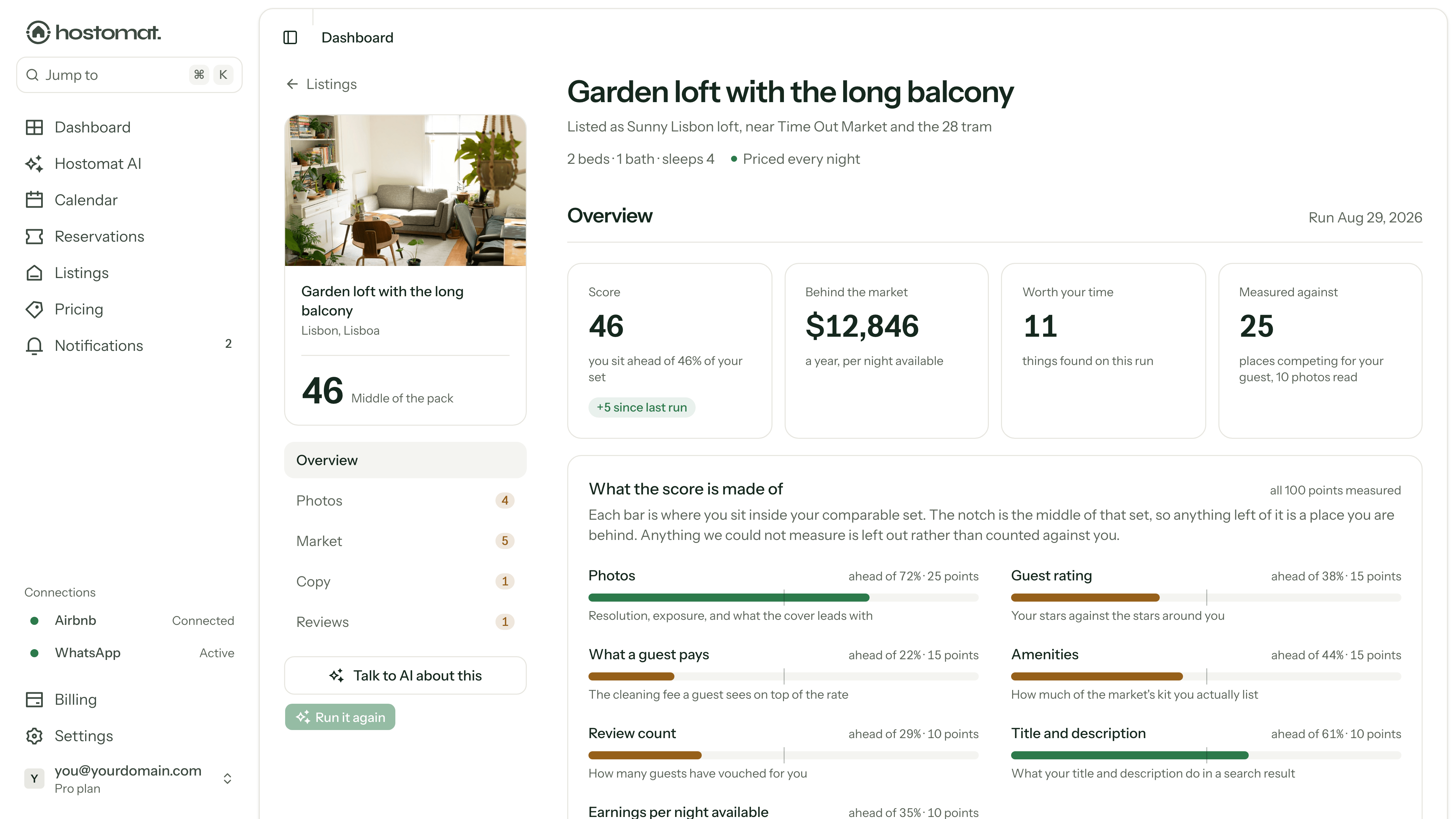
See where you stand
The dashboard reads your whole portfolio against similar listings nearby: what you have booked, what your nights earn, where your price sits and who is arriving next. New accounts start empty and fill in as bookings land.
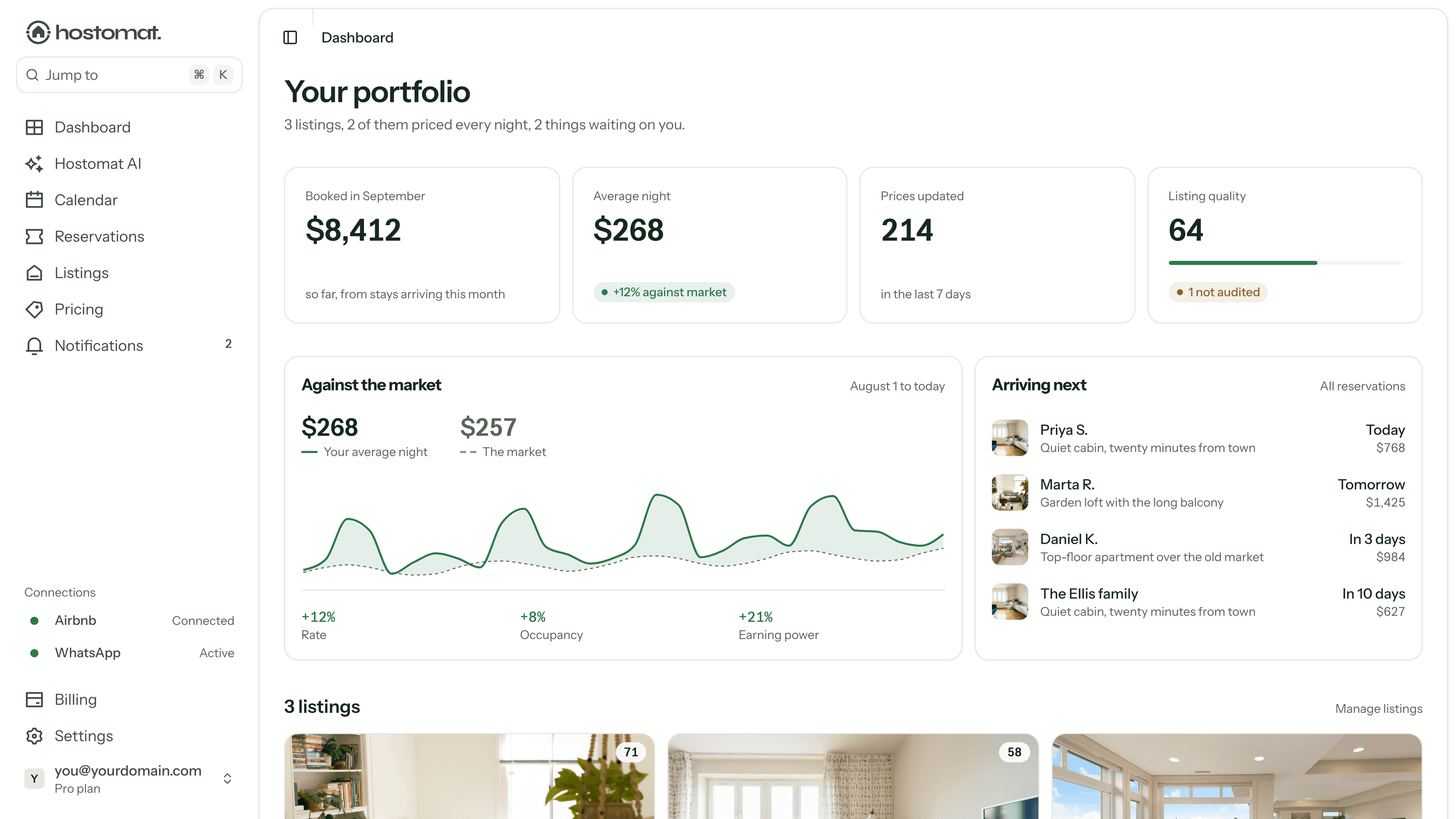
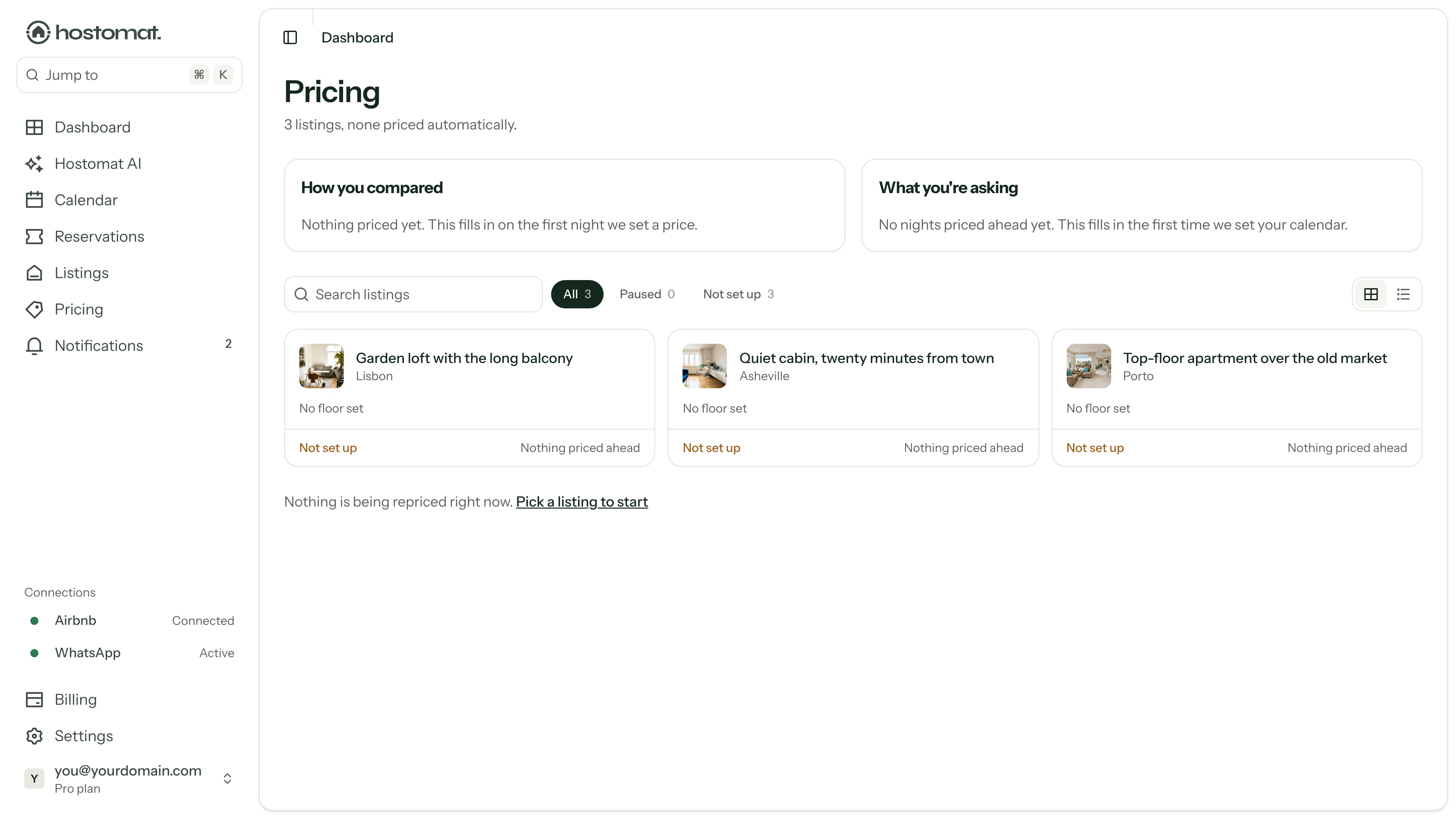
Pricing is opt-in, per listing
Every listing starts like this: connected, visible, and untouched. Nothing moves until you set pricing up on that specific listing, so you can start with one and add the rest when you trust it.
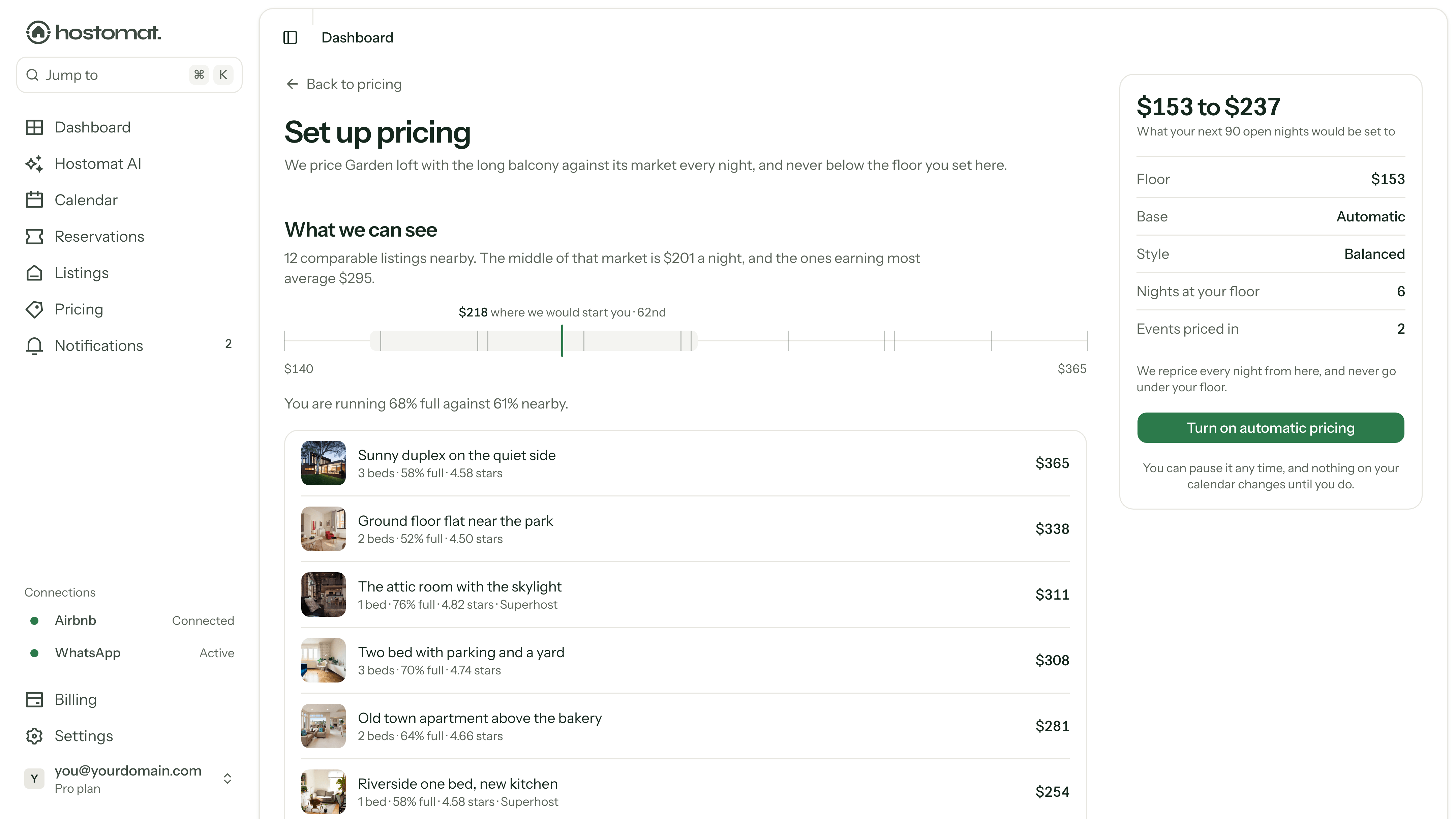
One screen: your base, your style, your floor
Setup is a single screen and takes about two minutes. It shows you the comparable listings it is reading and what they charge, then three decisions: who sets the base price, how hard to push for rate against occupancy, and your floor. The floor is the lowest price you will ever accept and we enforce it in our own code, so no night can be written below it. Set it well under the market as a real safety net, not as a target.
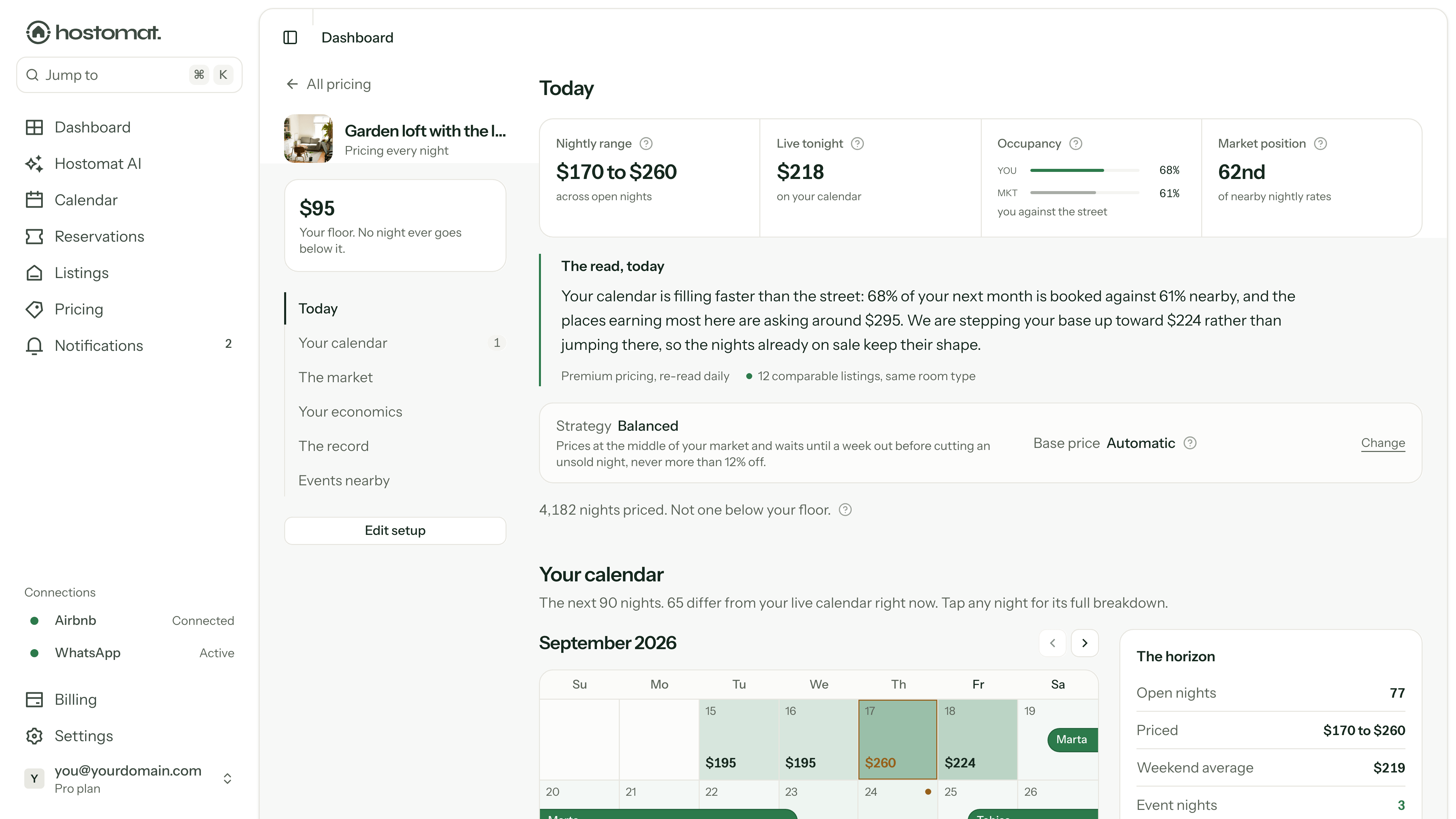
Every night, priced on its own
From here it runs itself: every night up to a year out gets its own price, re-checked daily as bookings land and dates approach. It explains its reasoning in plain English at the top of the page, so you always know why tonight costs what it costs.
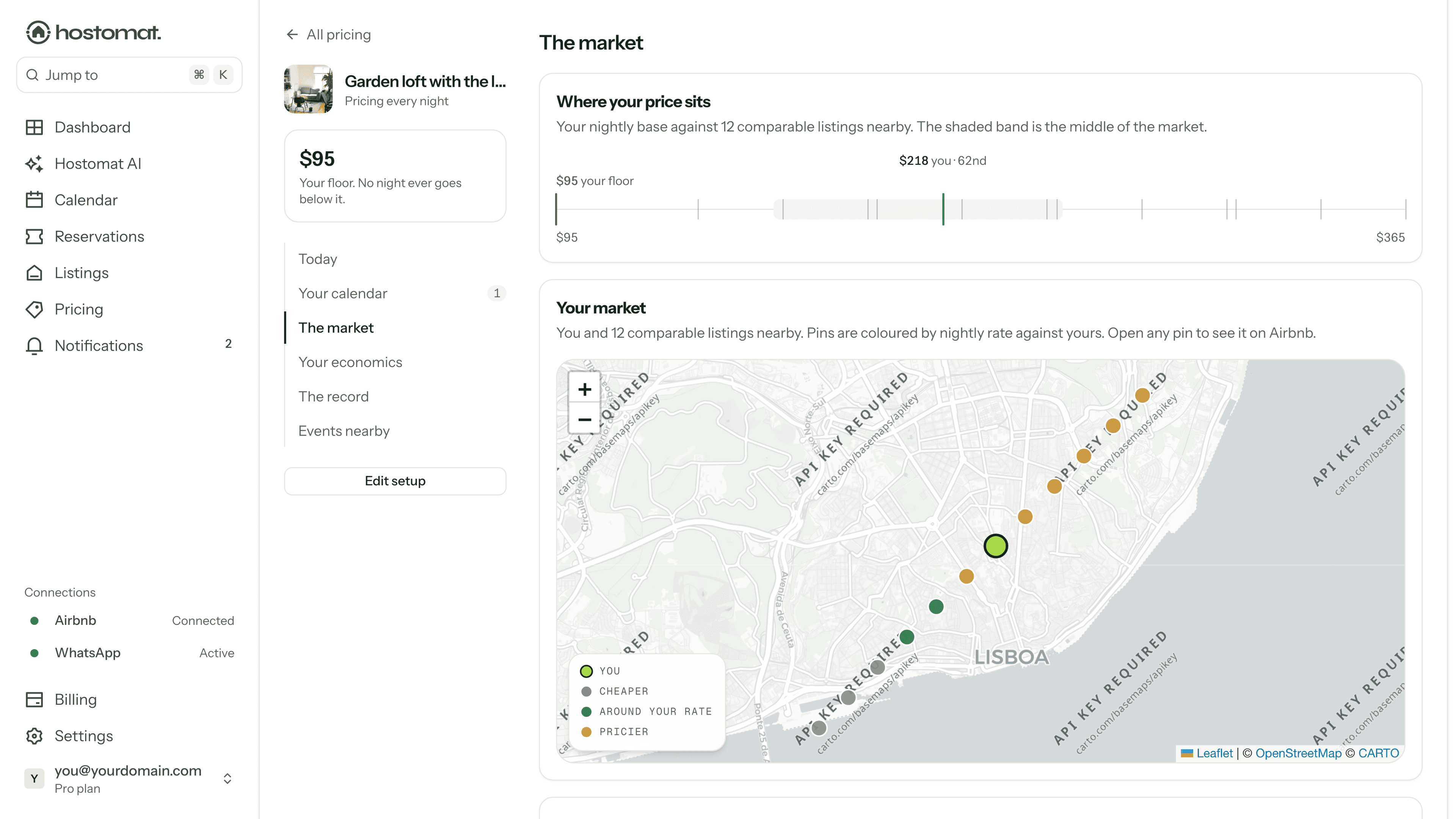
Watch your own market
Your price sits on a live map of comparable listings nearby, the same ones it prices against. If a comp doesn't belong, exclude it and the numbers recalculate without it.
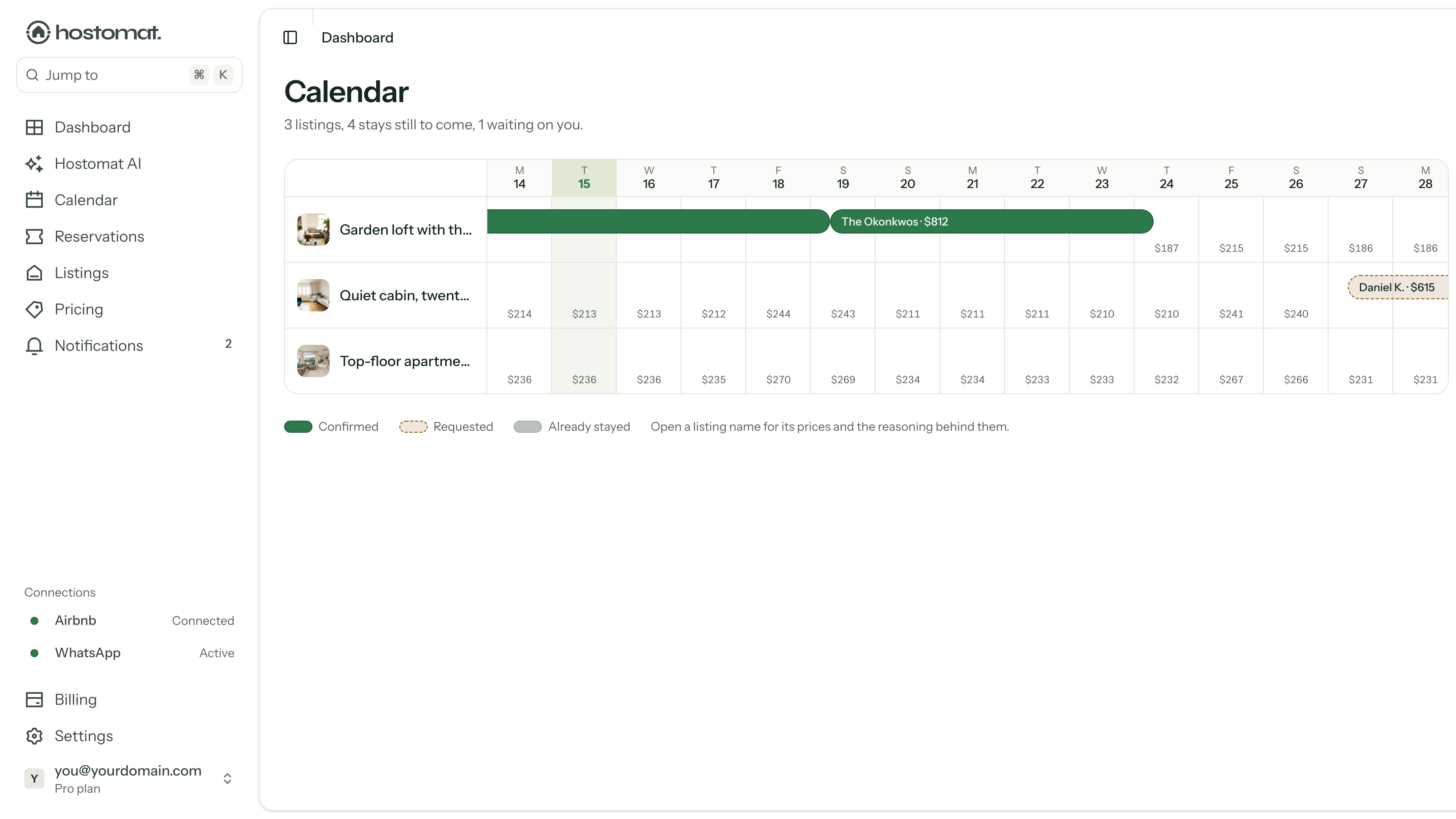
Your whole portfolio on one calendar
Every listing on one grid, so you can see the gaps, the turnovers and the nights nobody has taken yet without opening anything.
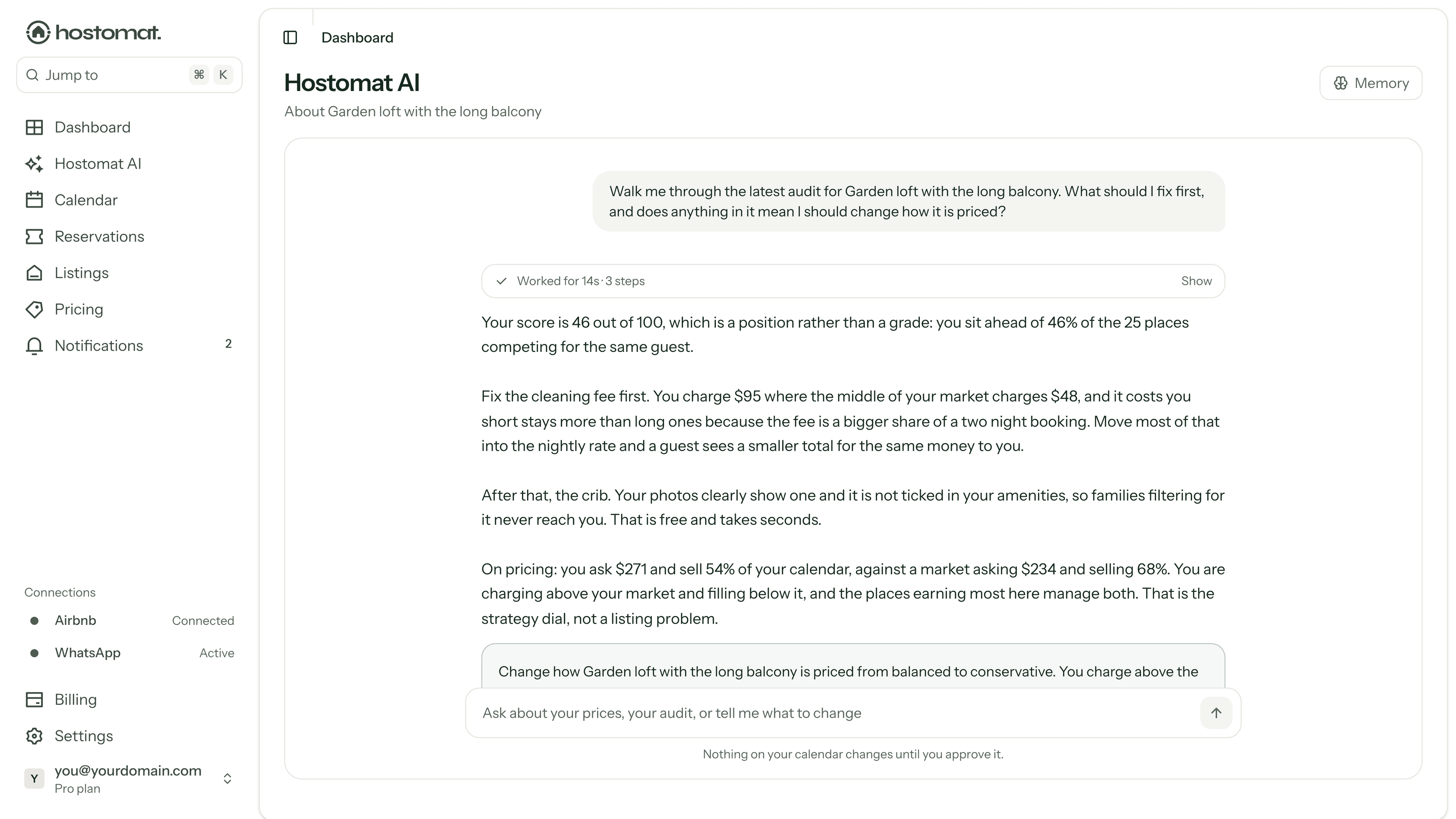
Ask it anything, in plain language
It reads your live listings, your audit and your prices, and answers in plain English. Anything it wants to change comes back as a button you press yourself. It never changes a price on its own.
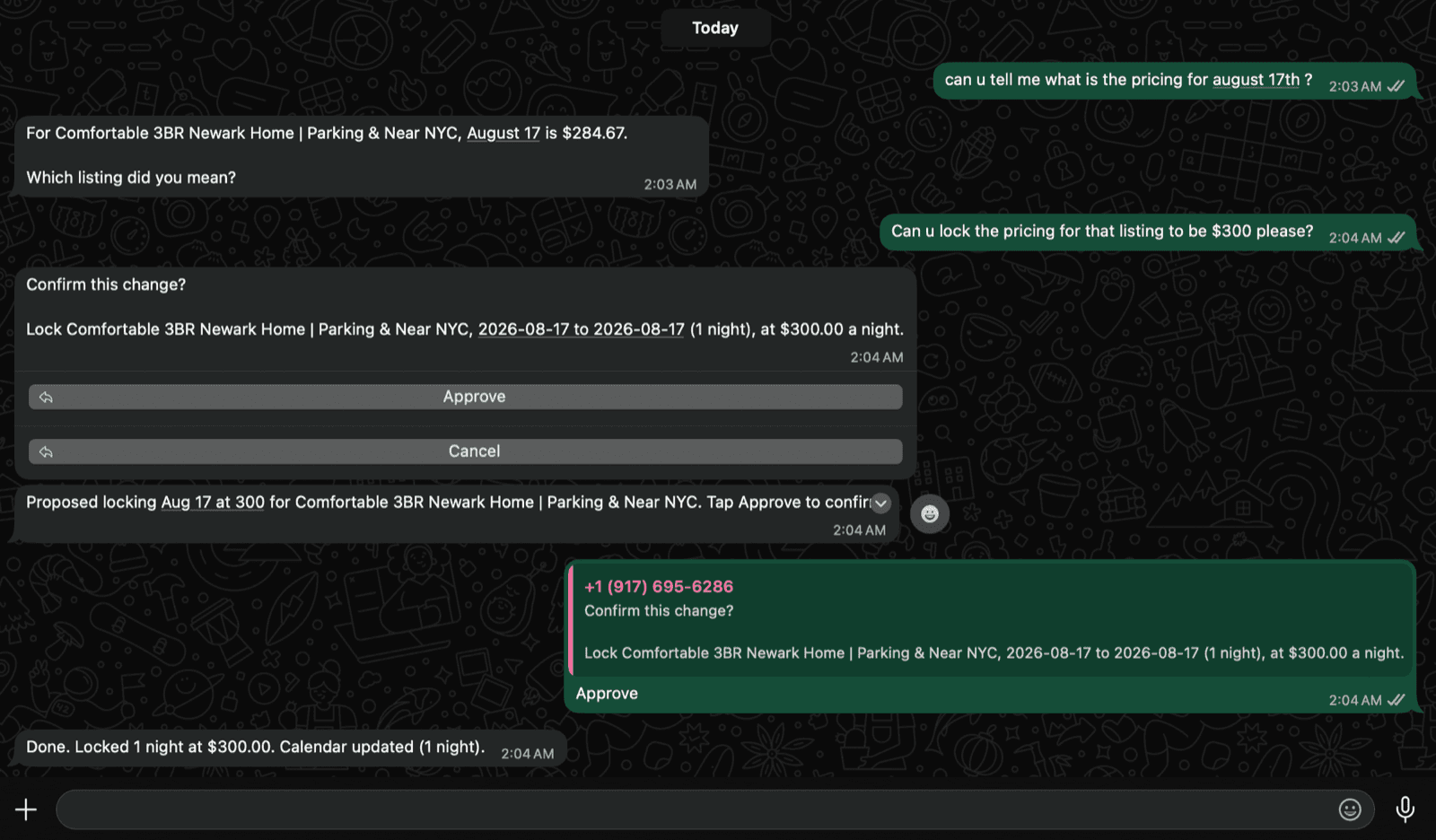
Run it from WhatsApp
Connect your number in Settings and the same co-host works in your chat: ask what any night costs, lock a price, pause a listing. Every change arrives as an Approve or Cancel button, and nothing runs until you tap Approve.
Best practices
- Set the floor low and honest. It is a safety net, not a target. The engine prices to the market; the floor only exists to stop a slow week from selling your nights at a loss.
- Turn off Airbnb Smart Pricing. If it stays on, Airbnb quietly changes prices after we set them. Review big overlapping discounts too; we already lower soft-demand and last-minute nights on our own.
- Give it two to three weeks. The engine reacts to your booking pace, and pace takes a little history. Judge it on a month of nights, not a day of prices.
- Lock the nights you know better. Hosting your family? A regular guest with a fixed deal? Lock those nights at your price, on the site or over WhatsApp, and the engine works around them.
- Pause without fear. Pausing keeps your calendar exactly as it is; nothing is reset. Resume when you are ready and pricing picks back up the same day.
14 days free. No card required.
Ten minutes from now, tonight is priced.